
Knowledge assistants
Help customers or colleagues find answers in approved documents, product information and business knowledge, with an escalation path.
Expertise / AI & automation
Connect business knowledge, people and systems. We design AI assistants and automation with clear sources, review points and a useful destination for every result.
Discuss your workflow01 / Expertise
Repeated questions, manual document handling and disconnected tools are useful starting points. We first identify the owner, the input and what a successful result means. Some steps may only need straightforward automation rules.
Help customers or colleagues find answers in approved documents, product information and business knowledge, with an escalation path.
Connect drafting, review, localization and CMS publishing while keeping editorial approval explicit.
Extract document fields, classify incoming requests and route work to CRM or internal systems with validation before consequential actions.
02 / AI & automation
We define which sources a task can access, which tools it may use and who approves the result. The destination can be a draft, a support queue or a validated update in an existing application.
Scope retrieval to the right user and business context. Define allowed data, retention needs and provider boundaries before integration.
Build an evaluation set from real tasks. Test missing evidence, incorrect answers and unavailable services; route uncertain work to a person.
Agree cost limits, monitoring, manual overrides and who maintains sources. Review logs without collecting unnecessary sensitive content.
03 / See it in practice
AI product · Private Beta
Documents, products, FAQs and website pages provide the material for answers. Teams configure tone and customer interaction rules separately, so they can review the information the assistant uses and how it is expected to communicate. The widget can show products and relevant company information within the conversation, helping visitors explore an offer without leaving the chat.
Webfox’s role: Product strategy, UX and engineering
Explore the case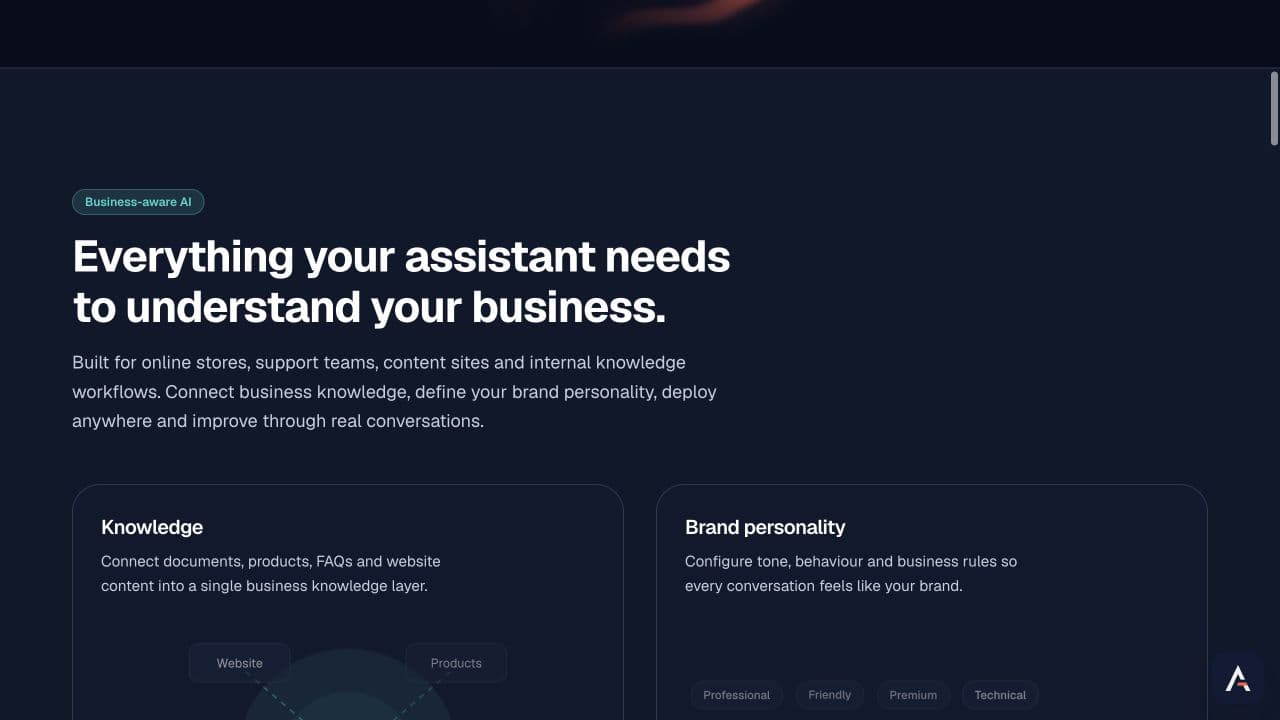
04 / WEBFOX
Review current steps, systems, risk and a measurable acceptance criterion.
Prototype a narrow use case against representative and difficult examples.
Connect permissions, source updates, review and destination systems.
Release with monitoring, ownership and a queue of evidence-led improvements.
Discovery defines the workflow and dependencies. A pilot tests whether the approach is useful enough to integrate. Access boundaries are defined from the start. Production integration adds monitoring, failure recovery and operational support. Budget and timing depend on source quality, integrations, review requirements and the agreed release scope.
Choose a frequent task with accessible inputs, a clear owner and a result that can be checked. We compare the effort and risk before proposing AI.
We assess APIs, access rules and source freshness during discovery. Existing systems can remain the source of truth; any write actions need explicit validation rules.
We establish the permitted data, user access, provider settings and retention requirements with you. Sensitive sources are included only within the agreed boundaries.
The workflow needs a defined fallback: request clarification, leave a reviewable draft or hand the task to a person. Evaluation tests those paths as well as successful answers.
The number of workflows, source cleanup, integration depth and acceptance requirements. We scope a first release before estimating implementation.
Contact
Tell us what happens today, which systems are involved and where your team loses time. We’ll use the discussion to identify a first workflow, the available data and a success criterion, then propose a pilot scope.
hello@webfox.net.ua +380 67 985 95 59